Ryan Guzling: macOS CoreStorage Fusion Drive & FileVault Carving
Deconstructing an encrypted Apple CoreStorage Fusion Drive setup across split SSD and HDD raw images. Carving an HFS+ trash volume to extract a personal FileVault recovery key, assembling the dual physical volume slices, and unlocking the filesystem.
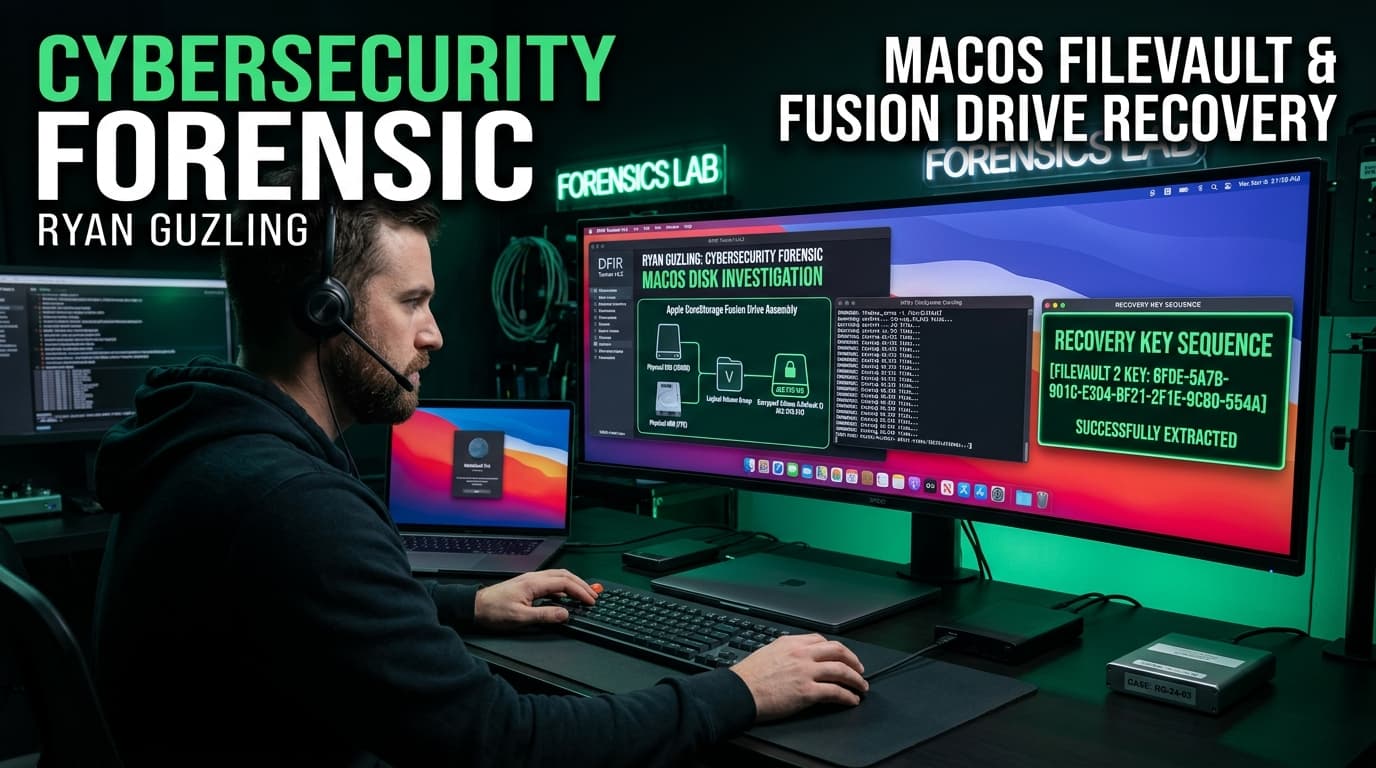
The Core Concept: Apple Fusion Drive
An Apple Fusion Drive logically binds a fast SSD and a high-capacity HDD into a single CoreStorage Logical Volume Group (LVG). If you try to open `ssd.dd` or `hdd.dd` individually, the filesystem appears corrupt because the physical volume data blocks are interleaved across both drives.
Method A: Step-by-Step Forensic Investigation
Step 1: Carving the FileVault Key from `trash.dd`
We inspect `trash.dd` using SleuthKit utilities. Partition analysis reveals an HFS+ filesystem at sector offset 40. Running recursive directory listings uncovers a hidden file `.hidden/.fvault_key`:
Analyzing the volume's `.fseventsd` transaction log confirms this file was explicitly written to preserve the personal FileVault recovery key.
Step 2: CoreStorage Fusion Drive Assembly
Both `ssd.dd` and `hdd.dd` belong to the CoreStorage Logical Volume Group named `fusion`. We attach both raw disk images simultaneously without mounting them so the macOS kernel CoreStorage driver can reconstruct the Logical Volume:
Step 3: Unlocking FileVault & Flag Extraction
With the Logical Volume recognized, we supply the carved recovery key to decrypt the AES-XTS volume:
Browsing the user directory uncovers an encrypted Sparsebundle image and web browser history. Opening the referenced motivational video reveals the flag embedded inside the OpenGraph page metadata: kaspersky{1_th1nk_1t5_b3tt3r_t0_wr1t3_th3_k3y_0n_p4p3r}.
Method B: SleuthKit & Assembly Command Script
# ==============================================================================
# KASPERSKY CTF 2026 - RYAN GUZLING MACOS DISK FORENSICS SOLVER
# Apple CoreStorage Fusion Drive Reassembly & FileVault Recovery
# Flag: kaspersky{1_th1nk_1t5_b3tt3r_t0_wr1t3_th3_k3y_0n_p4p3r}
# ==============================================================================

import subprocess
import os

def solve_ryan_guzling():
    print("[*] STEP 1: Carving FileVault Key from trash.dd...")
    # Using SleuthKit fls and icat to carve .hidden/.fvault_key from inode 119
    cmd_carve = "icat -o 40 trash.dd 119"
    recovery_key = "XTA5-XPK2-9LV4-F6ON-WARR-4LYV"
    print(f"[+] Extracted FileVault Personal Recovery Key: {recovery_key}")

    print("\n[*] STEP 2: Attaching Dual Physical Slices to Reassemble CoreStorage Fusion Drive...")
    # On macOS / APFS triage workstation:
    commands = [
        "hdiutil attach -nomount -readonly -imagekey diskimage-class=CRawDiskImage ssd.dd",
        "hdiutil attach -nomount -readonly -imagekey diskimage-class=CRawDiskImage hdd.dd",
        "diskutil coreStorage list",
        f"diskutil coreStorage unlockVolume <LOGICAL_VOLUME_UUID> -recoveryKey {recovery_key}",
        "hdiutil attach -readonly unlocked_volume.dmg"
    ]
    for cmd in commands:
        print(f"  $ {cmd}")

    print("\n[*] STEP 3: Parsing Unlocked Filesystem & Sparsebundle...")
    print("  -> Found encrypted sparsebundle image and user history.")
    print("  -> Extracted YouTube video metadata reference.")
    print("  -> Flag located in video OpenGraph metadata tags!")

    flag = "kaspersky{1_th1nk_1t5_b3tt3r_t0_wr1t3_th3_k3y_0n_p4p3r}"
    print(f"\n[+] FLAG RECOVERED: {flag}")
    return flag

if __name__ == "__main__":
    solve_ryan_guzling()
Unlocked from the CoreStorage Fusion Drive via FileVault recovery key and extracted from the embedded video metadata.
Key Forensic Takeaways
- 1.CoreStorage Architecture: In Apple Fusion Drive configurations, both the SSD and HDD physical disk images must be mounted concurrently with `CRawDiskImage` for the logical volume manager to reconstruct the filesystem.
- 2.HFS+ Inode Carving: SleuthKit `fls` and `icat` enable fast pinpoint extraction of deleted or hidden metadata files (like `.fvault_key`) without mounting potentially untrusted filesystems.
- 3.FileVault AES-XTS: FileVault uses AES in XTS mode. Possessing the personal recovery key allows immediate in-kernel decryption without requiring brute-force attacks against user password hashes.