Forensics Git 0: Linux Disk Partitioning & Inode Git Carving
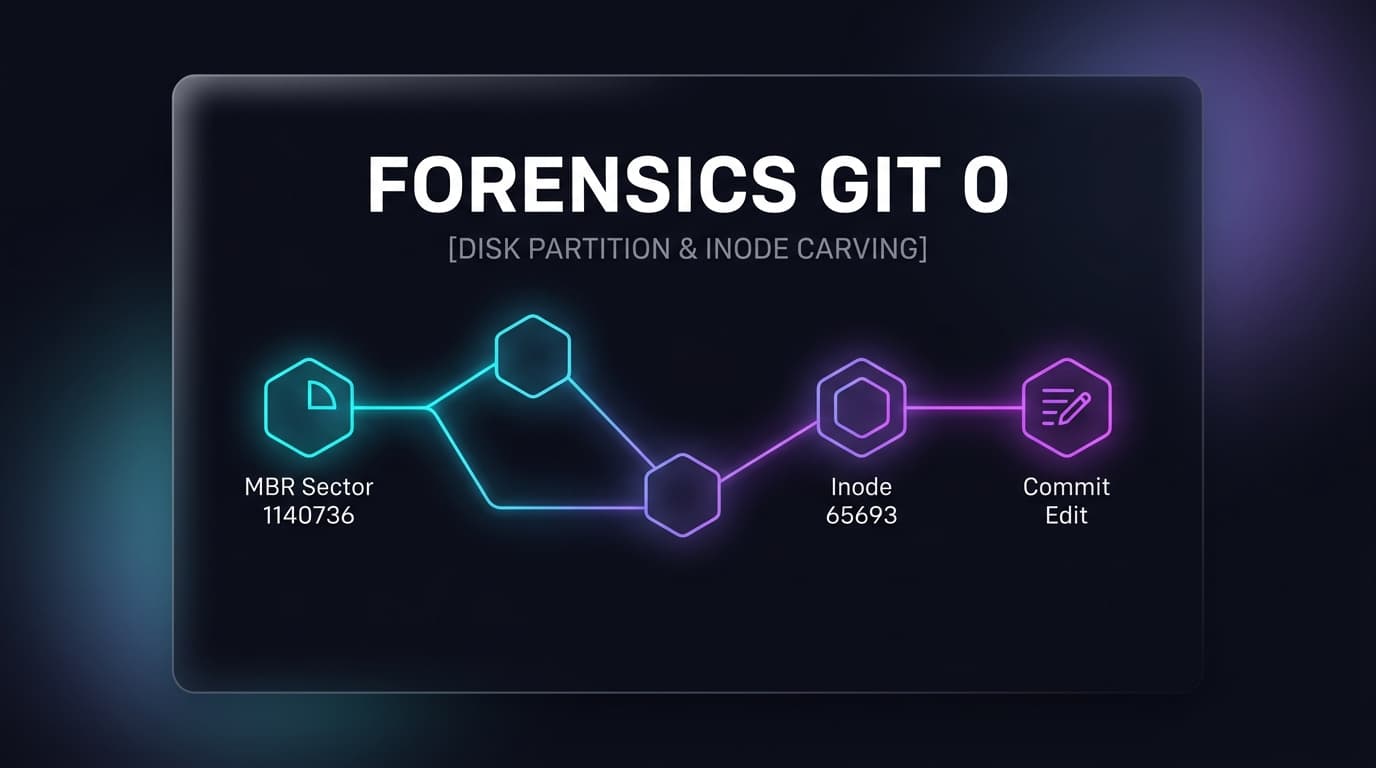
We are given a raw 1 GB hard drive image (disk.img). Unlike raw single partitions, attempting to run filesystem tools directly fails with Cannot determine file system type because Sector 0 holds an MBR partition table. Using The Sleuth Kit, we map out the partition sectors using mmls, jump directly to the Linux root filesystem via sector offset 1140736, locate an embedded Git repository in the user space, and carve out the flag from the Git commit metadata.
01. Mapping Partitions with mmls
To determine where the Linux filesystem starts on the 1 GB physical disk image, we inspect the partition table using mmls:
mmls.exe .\disk.imgThe primary root filesystem starts at Sector 1140736 ($1,140,736 \times 512 = 584,056,832$ bytes). We supply this value with the -o 1140736 switch in all subsequent commands.
02. Traversing User Space with fls
First, we verify the root directories to find the Inode of /home:
fls.exe -o 1140736 .\disk.img/home maps to Inode 64770. We recursively query inside Inode 64770:
fls.exe -o 1140736 -r .\disk.img 6477003. Inode Carving with icat
Using Sleuth Kit's icat, we carve raw file data directly by Inode without mounting:
icat.exe -o 1140736 .\disk.img 65692icat.exe -o 1140736 .\disk.img 65693icat.exe -o 1140736 .\disk.img 65704