Forensics Git 1: Tracing Deleted Commits & Git Object Carving
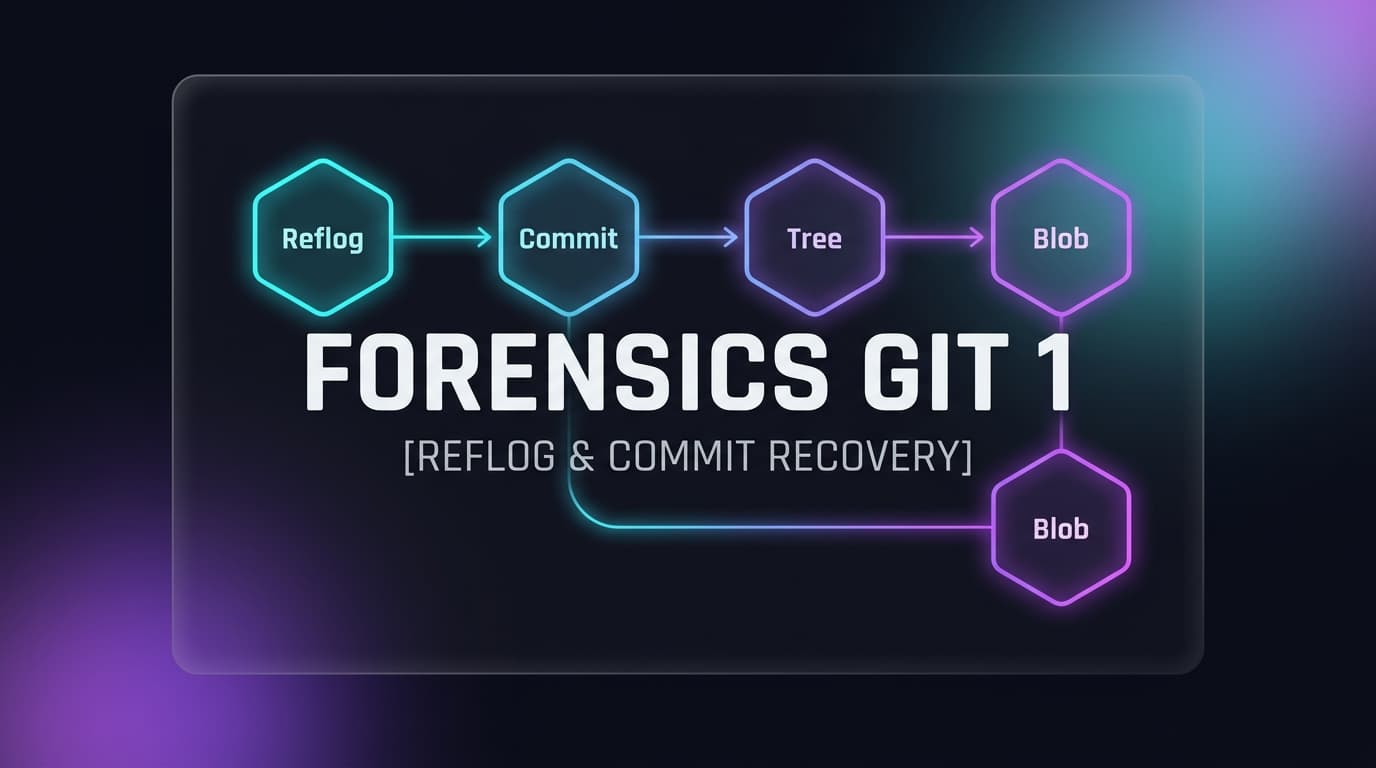
Investigating a raw 1 GB ext4 disk image (disk.img). In this scenario, checking the latest commit message yields Remove flag — the author attempted to sanitize and delete sensitive evidence. However, Git is an immutable append-only object database. By reading Git reflogs (logs/HEAD) and following the internal object chain (Commit → Tree → Blob), we extract the deleted file object from .git/objects/ and inflate the zlib stream to recover the flag.
01. Spotting the Deletion & Inspecting the Reflog
After locating the repository at Sector offset 1140736, reading the latest commit message via COMMIT_EDITMSG (Inode 65693) shows:
icat.exe -o 1140736 .\disk.img 65693To discover previous commits where the flag was originally added, we read Git's reflog history via logs/HEAD (Inode 65704):
icat.exe -o 1140736 .\disk.img 6570402. Git Internal Architecture: Commit → Tree → Blob
In Git, every object is stored in .git/objects/xx/yyyy..., where xx is the first 2 hex characters of its 40-character SHA-1 hash. Objects are compressed using zlib.
python -c "import subprocess, zlib; print(zlib.decompress(subprocess.check_output(['icat.exe', '-o', '1140736', '.\disk.img', '65700'])))"python -c "import subprocess, zlib; print(zlib.decompress(subprocess.check_output(['icat.exe', '-o', '1140736', '.\disk.img', '65698'])))"python -c "import subprocess, zlib; print(zlib.decompress(subprocess.check_output(['icat.exe', '-o', '1140736', '.\disk.img', '65695'])))"03. Alternative Extraction Methods (Zero Code)
Method A: CyberChef (GUI)
Dump the object to disk via icat ... 65695 > blob.bin, open CyberChef, and apply the Zlib Inflate recipe to view the flag without programming.
Method B: Git Native CLI
Git provides its own decompression tool. Running pretty-print auto-inflates any object:
git cat-file -p f150f47a5dabfb4397706aa18905df936595a86e