m00nwalk: Apollo 11 SSTV Slow-Scan Television Audio Demodulation
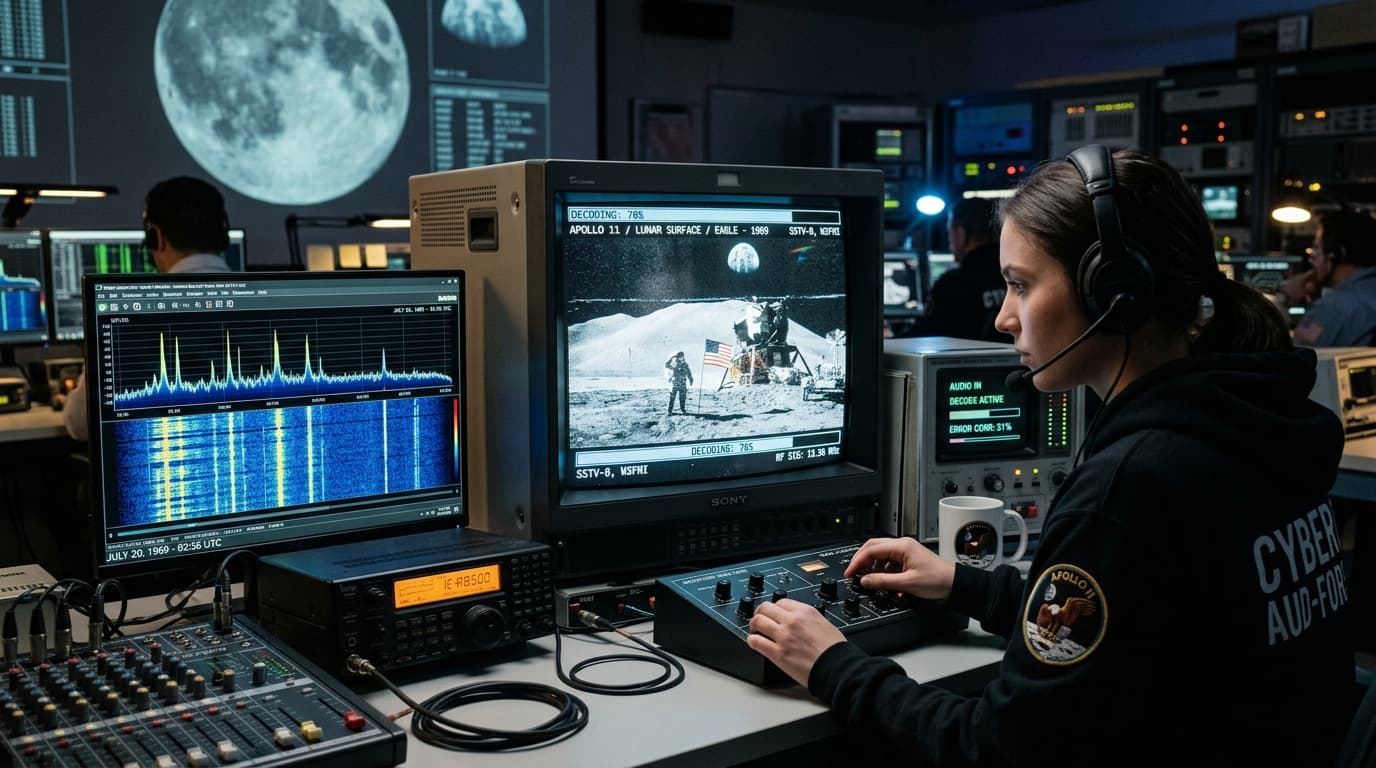
“Decode this message from the moon. Hints: How did pictures get sent back from the moon? What is the name of the Apollo 11 audio format?”
picoCTF{...}Signal Analysis: Slow-Scan Television (SSTV) Protocol
The provided audio artifact (message.wav) is an analog frequency-modulated audio transmission encoded using Slow-Scan Television (SSTV). The challenge title and hint (“how did pictures get sent from moon on Apollo 11”) points to SSTV modulation. The audio signal frequency encodes raster scan line luminance and chrominance (specifically the Scottie 1 mode header calibration tone), which decodes back into an RGB raster image when passed through a demodulator.
1. 10-Second Smartphone Decode (Robot36)
- Install Robot36 - SSTV Image Decoder (Free on Android Google Play Store) or BlackCat SSTV on iOS.
- Play
message.wavon your PC speakers. - Hold your phone near the speaker: The app automatically detects the Scottie 1 sync pulse and draws the image line-by-line in real time!
2. Python SSTV Decoder Script (`solve.py`)
import sstv.common
import sstv.decode
from PIL import Image

# Suppress progress output
sstv.common.log_message = lambda *args, **kwargs: None
sstv.decode.log_message = lambda *args, **kwargs: None
sstv.common.progress_bar = lambda *args, **kwargs: None
sstv.decode.progress_bar = lambda *args, **kwargs: None

# Decode SSTV audio signal (Scottie 1 mode)
decoder = sstv.decode.SSTVDecoder('message.wav')
img = decoder.decode()

# Save rotated image for upright reading
img.rotate(180).save('result_rotated.png')
print("[+] SSTV Decoded successfully! Check result_rotated.png")sstv -d message.wav -o result.png3. Decoded Flag
Extracted Secret Flag:
4. The Complete Investigation Path & Mental Roadmap
Listened to message.wav and identified rhythmic chirping characteristic of Slow-Scan Television (SSTV).
Decoded the audio waveform using Robot36 / Python sstv in Scottie 1 mode.
Read handwritten flag text from the rendered image: picoCTF{beep_boop_im_in_space}.