PICOCTF 2019 • FORENSICS • IMAGE METADATA
So Meta: EXIF & PNG Text Chunk Metadata Carving
By Abdo•Aug 31, 2026
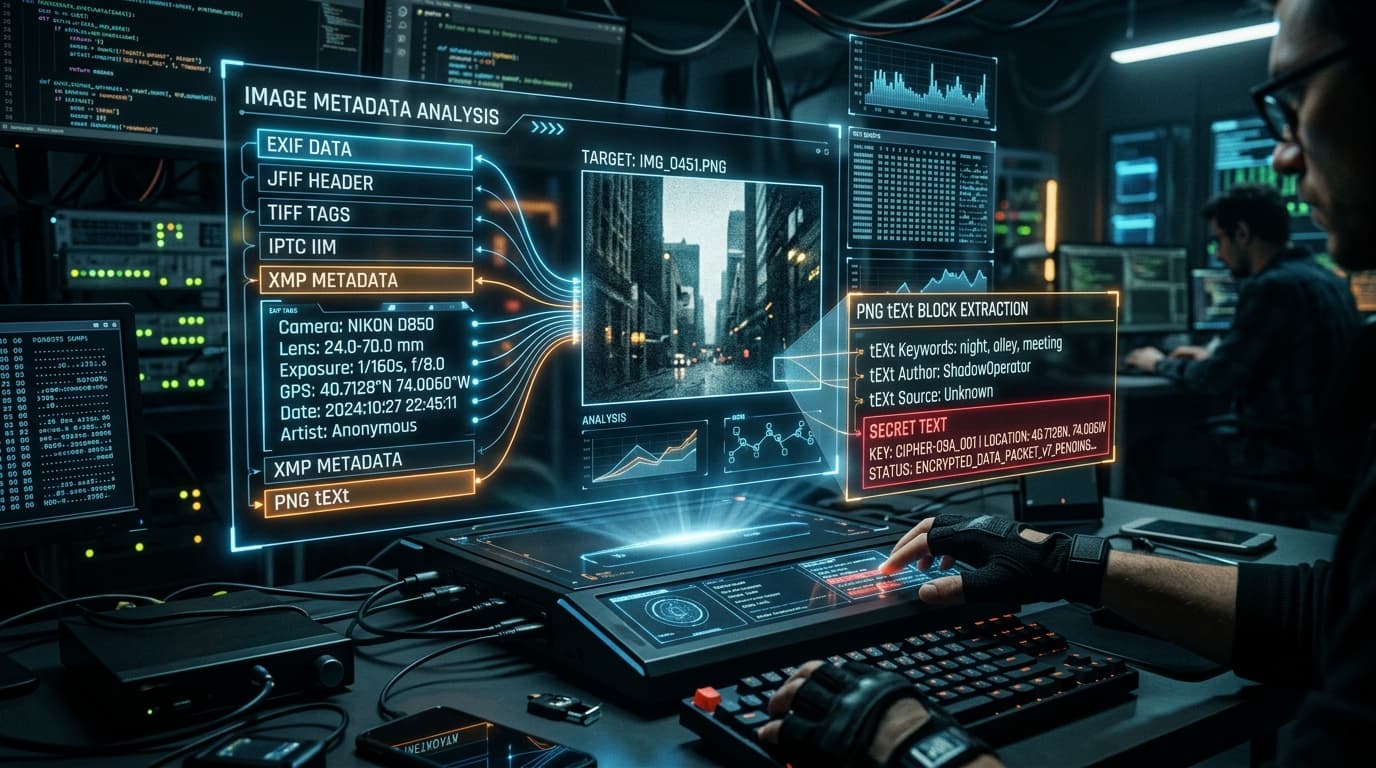
Official Challenge Prompt
“Find the flag in this picture. Look beyond the pixels.”
● Category: Forensics / Image Metadata● Points: 150 PTS● Flag Format:
picoCTF{...}
Target: PNG tEXt Chunk (Artist)
Forensic Triage: PNG Metadata Chunks (tEXt)
Before attempting complex LSB or frequency domain steganography on an image, initial triage requires inspecting the file metadata structures. The PNG standard supports auxiliary metadata chunks like tEXt, zTXt, and iTXt for storing key-value pairs (such as Author, Software, or Copyright). In pico_img.png, the plaintext flag is stored directly inside the Artist field of a tEXt chunk.
METHOD A: HANDS-ON CLI FORENSICS
1. Extracting Metadata via ExifTool & Strings
Option 1: ExifTool
$ exiftool pico_img.png
File Name   : pico_img.png
File Type   : PNG
Software    : Adobe ImageReady
Artist      : picoCTF{s0_m3ta_74af23ab}
Option 2: Strings & Grep
$ strings pico_img.png | grep "picoCTF"
picoCTF{s0_m3ta_74af23ab}
METHOD B: AUTOMATED PYTHON PARSER & ONELINER
2. Automated Extraction Script (`solve.py`)
from PIL import Image

# Open the image file using PIL
img = Image.open('pico_img.png')

# Extract PNG metadata text chunks
flag = img.info.get('Artist')
print("[+] Extracted Artist Tag Flag:", flag)
Terminal One-Liner (PowerShell / Bash):
python -c "from PIL import Image; print(Image.open('pico_img.png').info.get('Artist'))"3. Decoded Flag
Extracted Secret Flag:
picoCTF{s0_m3ta_74af23ab}
4. The Complete Investigation Path & Mental Roadmap
STEP 1
Title & Challenge Clue Triage
Recognized “So Meta” as a direct hint toward metadata structures (EXIF / XMP / PNG text chunks).
STEP 2
Metadata Inspection
Ran exiftool and strings to dump all non-pixel text records embedded in the PNG.
STEP 3
Flag Extraction
Found the flag stored inside the Artist chunk: picoCTF{s0_m3ta_74af23ab}.