Timeline: Linux Filesystem MAC Timeline Analysis
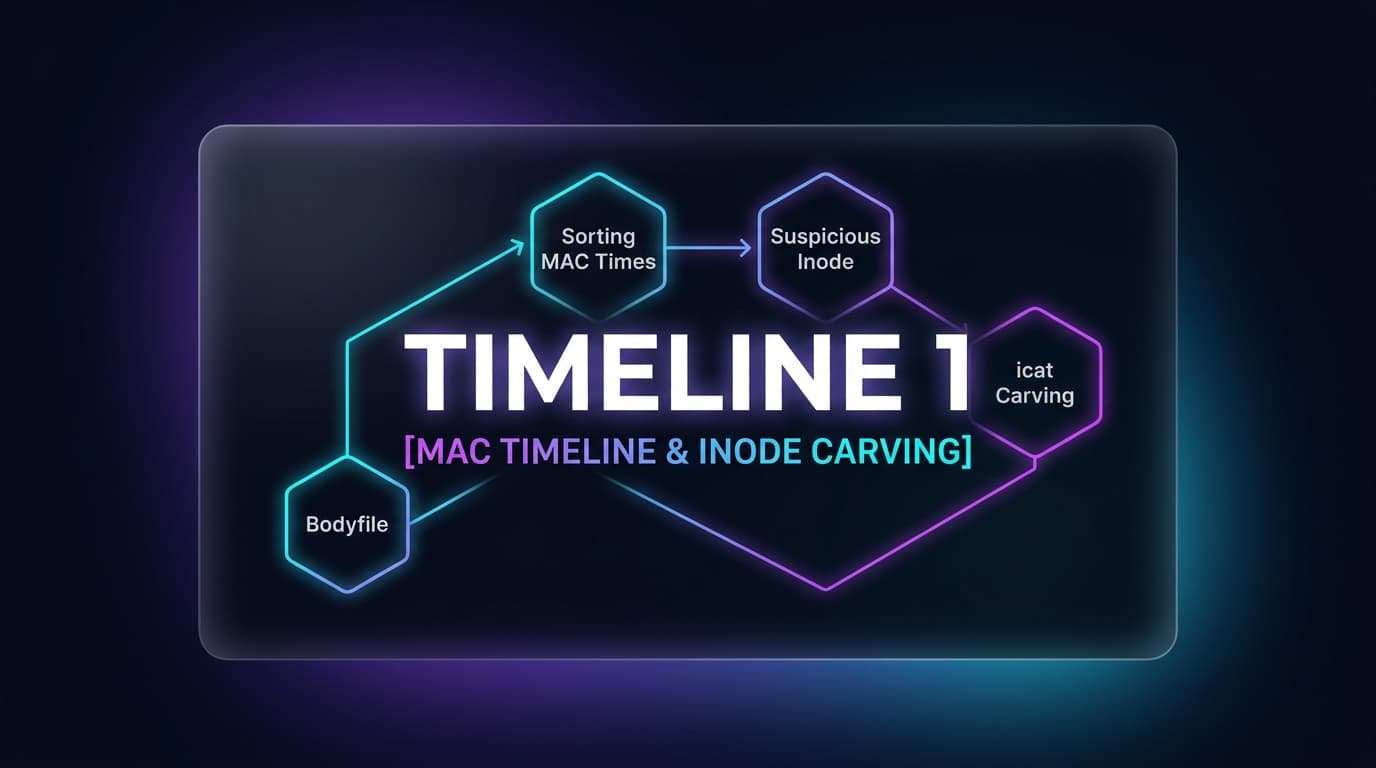
We are tasked with investigating a raw ext4 partition image (partition4.img) to determine what happened on the operating system before it was powered down. Using The Sleuth Kit, we extract metadata into a standardized bodyfile, compile a chronological MAC timeline, trace the pre-shutdown event horizon, and carve out the hidden flag artifact.
01. Generating the Filesystem Bodyfile with fls
Without mounting the filesystem, fls recursively traverses directory trees and parses inode metadata structures directly into the Sleuth Kit bodyfile format:
fls -m / -r ./partition4.img | Out-File -Encoding ascii body.txt> body.txt) writes UTF-16 LE with byte-order marks. Perl scripts like mactime expect standard ASCII/UTF-8. Always pipe through Out-File -Encoding ascii to prevent null-byte corruption!02. Compiling the Chronological Timeline with mactime
Next, we run mactime to translate Unix Epoch timestamps into human-readable chronological sequences:
mactime -b body.txt -d -z UTC > timeline.csv03. The Pre-Shutdown Event Horizon
Filtering for activity on December 1, 2025 reveals the system's final active moments:
mactime -b body.txt -d -z UTC 2025-12-01 | Select-Object -Last 30Exactly 16 seconds before the administrator typed poweroff, a brand-new file named /etc/chat was created with flag macb (Modified, Accessed, Changed, Born).
04. Inode Carving & Base64 Decoding
Using icat, we stream the raw data blocks mapped to Inode 32716 directly without mounting the partition:
icat.exe ./partition4.img 32716[System.Text.Encoding]::UTF8.GetString([Convert]::FromBase64String("NTczNDE3aDEzcl83aDRuXzdoM18xNDU3XzU4NTI3YmIyMjIK"))