What Lies Within: LSB Image Steganography Deconstruction
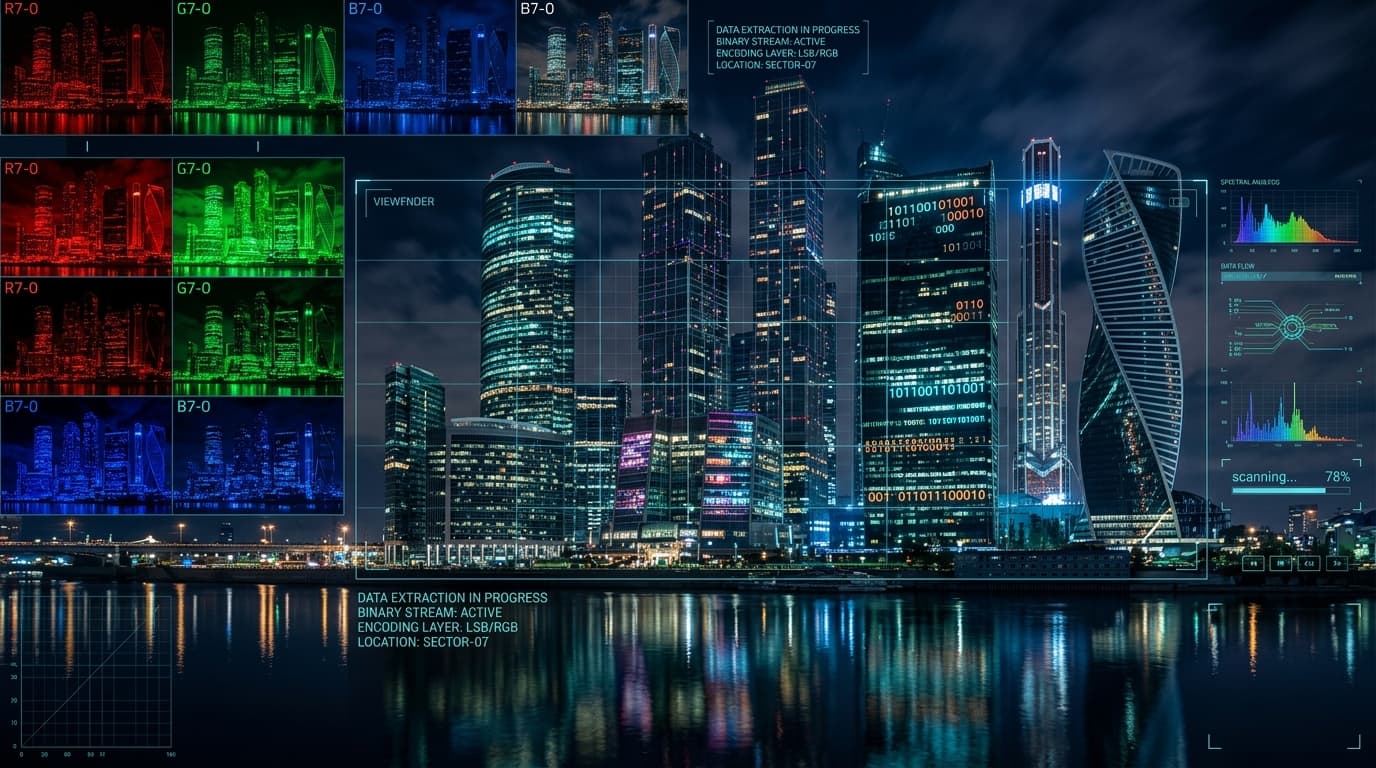
“There's something in the building. Can you retrieve the flag?”
picoCTF{...}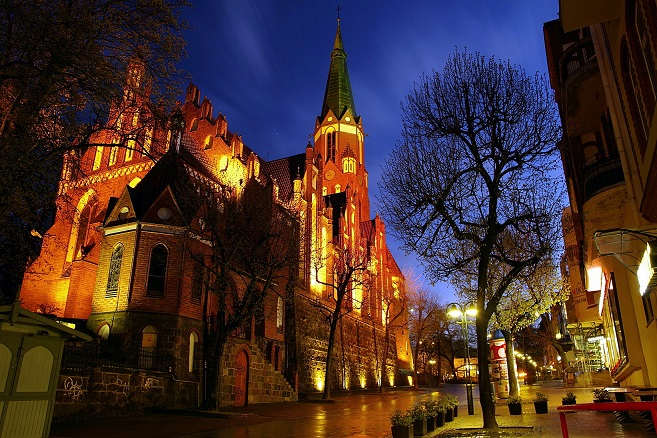
Steganography Principle: Least Significant Bit (LSB) Modulation
In 24-bit RGB images, each color channel uses an 8-bit integer (0-255). Modifying the least significant bit (bit 0) alters pixel intensity by at most 1 unit, which is imperceptible to human vision and undetectable on standard displays. By packing consecutive ASCII message bits across the LSBs of sequential color channels (RGB planar order), data is hidden without creating visible visual artifacts.
1. The 5-Step Image Forensics Methodology
Whenever investigating an image in a CTF or incident response investigation, follow this ordered testing pipeline:
[Image File: buildings.png]
     │
     ├── Step 1: Magic Header Check (Verify 89 50 4E 47 ...) ─────────> VALID
     ├── Step 2: Metadata Inspection (ExifTool author/comments) ───────> CLEAN
     ├── Step 3: Plaintext Strings (Check appended EOF strings) ───────> NONE
     ├── Step 4: Signature Carving (Binwalk / Foremost for ZIPs) ──────> NONE
└── Step 5: LSB Steganography (zsteg / StegSolve / PIL) ─────────> TARGET IDENTIFIED2. Inspecting Bit-Planes (Aperi'Solve, StegSolve, zsteg)
How to manually extract the secret payload using specialized stego utilities.
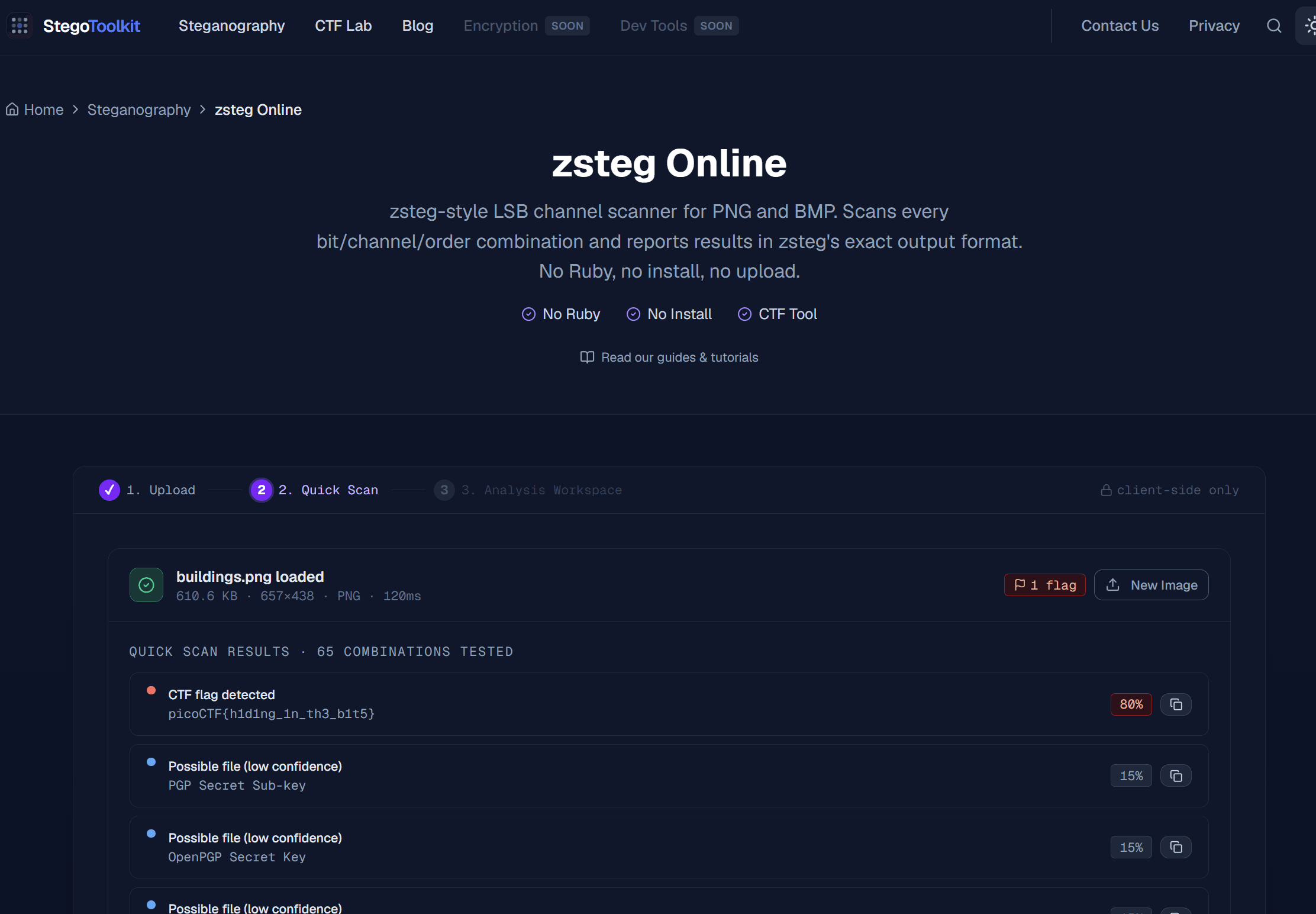
If you don't have Ruby and the native zsteg gem installed on your host machine, you can drop buildings.png directly into StegoToolkit / zsteg Online. Within 120ms, it automatically iterates through all bitplanes and highlights the cleartext flag:
1. Navigate to aperisolve.com.
2. Upload buildings.png.
3. Scroll down to the zsteg Analysis section.
4. Notice the detected cleartext string:
Run zsteg to test all permutation combinations (RGB/BGR, MSB/LSB, 1-bit to 8-bit):
Step-by-Step Bit Assembly (How the first 4 characters are born):
| Character | 8 Extracted Bits (R, G, B channels) | Binary to Decimal | ASCII Letter |
|---|---|---|---|
| Byte 0 | 0 1 1 1 0 0 0 0 | 112 | 'p' |
| Byte 1 | 0 1 1 0 1 0 0 1 | 105 | 'i' |
| Byte 2 | 0 1 1 0 0 0 1 1 | 99 | 'c' |
| Byte 3 | 0 1 1 0 1 1 1 1 | 111 | 'o' |
3. Pure Python LSB Bit Decoder (`solve.py`)
Understanding the math behind LSB lets you write custom extractors with zero external stego tools using Python and the standard PIL (Pillow) library:
from PIL import Image

# 1. Load image and raw pixel raster data
img = Image.open('buildings.png')
pixels = img.load()
width, height = img.size

# 2. Extract the Least Significant Bit (LSB) from R, G, and B channels
bits = []
for y in range(height):
    for x in range(width):
        r, g, b = pixels[x, y][:3]
        bits.append(r & 1)  # Red channel LSB (0 or 1)
        bits.append(g & 1)  # Green channel LSB
        bits.append(b & 1)  # Blue channel LSB

# 3. Assemble consecutive 8 bits into 1 ASCII byte
byte_list = []
for i in range(0, len(bits), 8):
    byte_bits = bits[i:i+8]
    if len(byte_bits) == 8:
        val = 0
        for b in byte_bits:
            val = (val << 1) | b
        byte_list.append(val)

# 4. Decode as string and locate picoCTF flag
extracted_text = bytes(byte_list).decode('latin1', errors='ignore')

if "picoCTF{" in extracted_text:
    start_idx = extracted_text.index("picoCTF{")
    end_idx = extracted_text.index("}", start_idx) + 1
print("[+] Extracted Flag:", extracted_text[start_idx:end_idx])python -c "from PIL import Image; img=Image.open('buildings.png'); px=img.load(); w,h=img.size; bits=[c&1 for y in range(h) for x in range(w) for c in px[x,y][:3]]; chars=[chr(int(''.join(map(str,bits[i:i+8])),2)) for i in range(0,len(bits),8)]; txt=''.join(chars); print(txt[txt.find('picoCTF{'):txt.find('}',txt.find('picoCTF{'))+1])"4. Recovered Flag & Verification
Extracted Flag Payload:
(Literal meaning: “hiding in the bits” — a direct reference to LSB stego encoding).
5. Steganography Tool Reference Matrix
| Tool | Platform | Best Use Case |
|---|---|---|
| Aperi'Solve | Web Browser | Automated all-in-one suite running zsteg, steghide, exiftool, and binwalk simultaneously. |
| zsteg | Ruby CLI | Gold-standard command-line tool for detecting LSB encoding in PNG and BMP formats. |
| StegSolve | Java Desktop | Visual plane-by-plane inspection (Red 0, Green 0, Blue 0, Inverted bitplanes). |
6. The Complete Investigation Path & Mental Roadmap
Here is the step-by-step mental roadmap followed to systematically uncover the payload:
Downloaded buildings.png. Ran exiftool and strings to check for easy plain text comments or appended trailers. Results returned clean.
Executed binwalk -e buildings.png to check if another archive or executable was concatenated inside the file. No hidden archives were found.
Uploaded image to Aperi'Solve and ran zsteg buildings.png. The scanner instantly identified ASCII flag text hiding on the 1-bit RGB LSB layer (b1,rgb,lsb,xy).
Wrote a standalone PIL bitmask extractor script to independently verify the bit extraction math without relying on black-box tools.
Recovered the secret flag: picoCTF{h1d1ng_1n_th3_b1t5}.