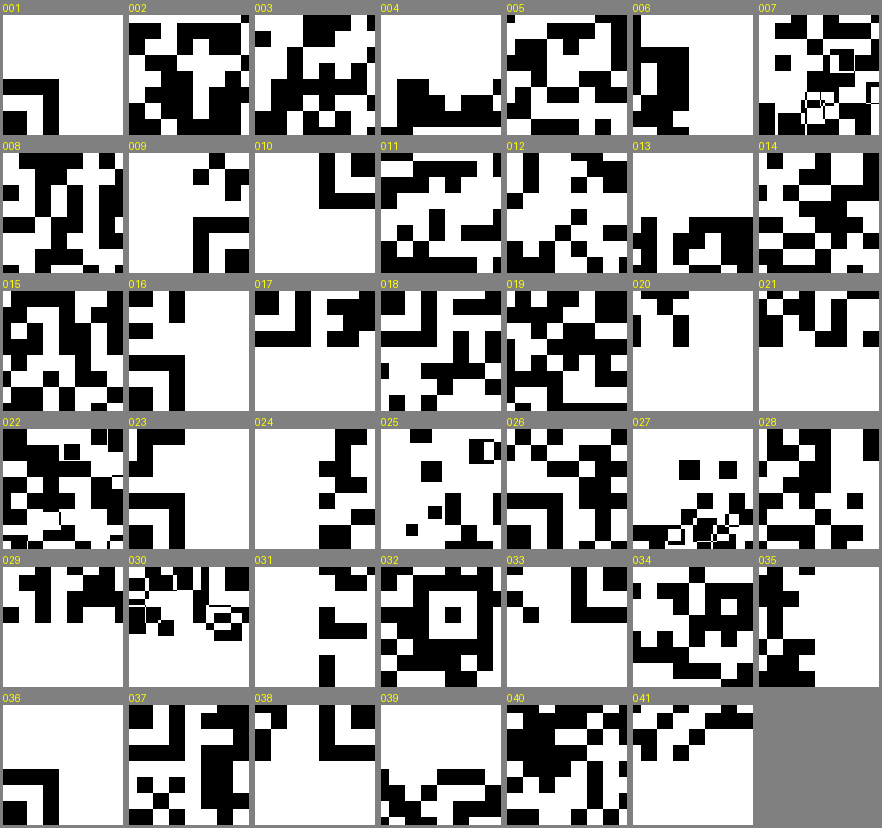
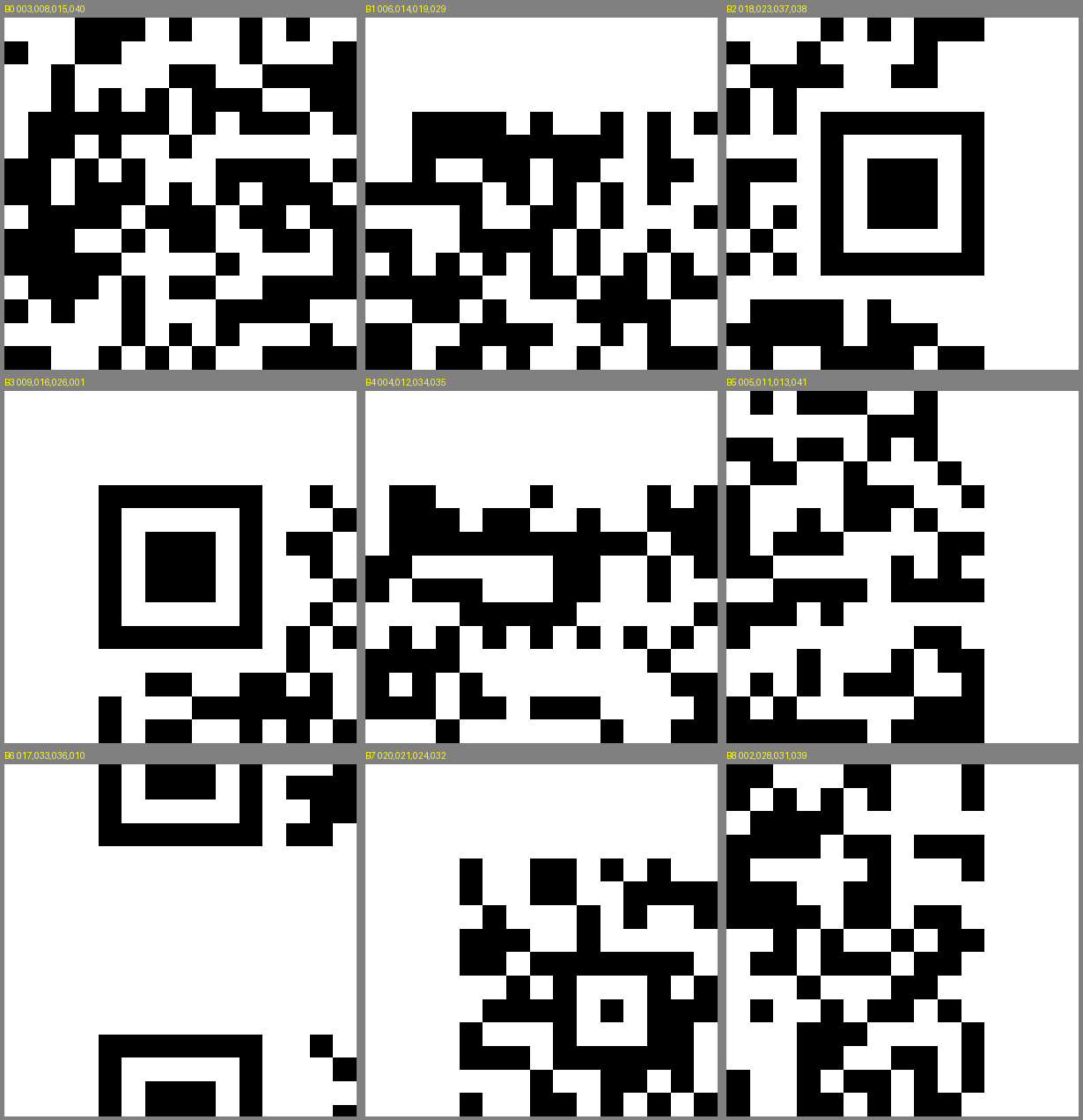
LEVEL 0 SOLVED3x3 Grid • 9 Pieces (400x400 px)
Level 0: First Fragment
We are given 9 image tiles (piece_001.png through piece_009.png) in folder pieces_0. Each piece is exactly 400x400 pixels, assembling into a 3x3 QR canvas (1200x1200 px).
CHALLENGE DESCRIPTION:“Nine fragments of an ancient seal have been scattered across the gate of Vormir. Reconstruct the fragments into a unified symbol to recover the first passkey.”
Using QR quiet zones to place border pieces
QR codes require a solid white margin around the entire active code (called the Quiet Zone).
Because of this:
• If a piece has a solid white top edge, it has to be in Row 0 (the top row).
• If a piece has a solid white bottom edge, it has to be in Row 2 (the bottom row).
• If a piece has white on both top and left, it has to be the top-left corner.
Step-by-Step Triage: Detecting Quiet Zones & Locking Grid Positions
[ INPUT: PYTHON BORDER DETECTOR SCRIPT ]
from PIL import Image
import numpy as np

for i in range(1, 10):
    img = np.array(Image.open(f"pieces_0/piece_{i:03d}.png").convert("L"))
    top_white = (img[0, :] == 255).all()
    bot_white = (img[-1, :] == 255).all()
    left_white = (img[:, 0] == 255).all()
    right_white = (img[:, -1] == 255).all()
    print(f"piece_{i:03d}: Top={top_white}, Bot={bot_white}, Left={left_white}, Right={right_white}")
[ DETECTED BORDER CONSTRAINTS ]
piece_008: Top=True,  Left=True  -> TOP-LEFT CORNER (Row 0, Col 0)
piece_001: Top=True               -> TOP-MIDDLE      (Row 0, Col 1)
piece_009: Top=True,  Right=True -> TOP-RIGHT CORNER (Row 0, Col 2)
piece_005: Left=True              -> CENTER-LEFT     (Row 1, Col 0)
piece_003: (No white margins)    -> DEAD CENTER     (Row 1, Col 1)
piece_004: Right=True             -> CENTER-RIGHT    (Row 1, Col 2)
piece_007: Bot=True,  Left=True  -> BOT-LEFT CORNER (Row 2, Col 0)
piece_002: Bot=True               -> BOT-MIDDLE      (Row 2, Col 1)
piece_006: Bot=True,  Right=True -> BOT-RIGHT CORNER (Row 2, Col 2)
[ Locked-in 3x3 Grid Matrix ]
+---------------+---------------+---------------+
| piece_008.png | piece_001.png | piece_009.png |  <- Row 0 (Top Quiet Zone)
+---------------+---------------+---------------+
| piece_005.png | piece_003.png | piece_004.png |  <- Row 1 (Center Data Modules)
+---------------+---------------+---------------+
| piece_007.png | piece_002.png | piece_006.png |  <- Row 2 (Bottom Quiet Zone)
+---------------+---------------+---------------+

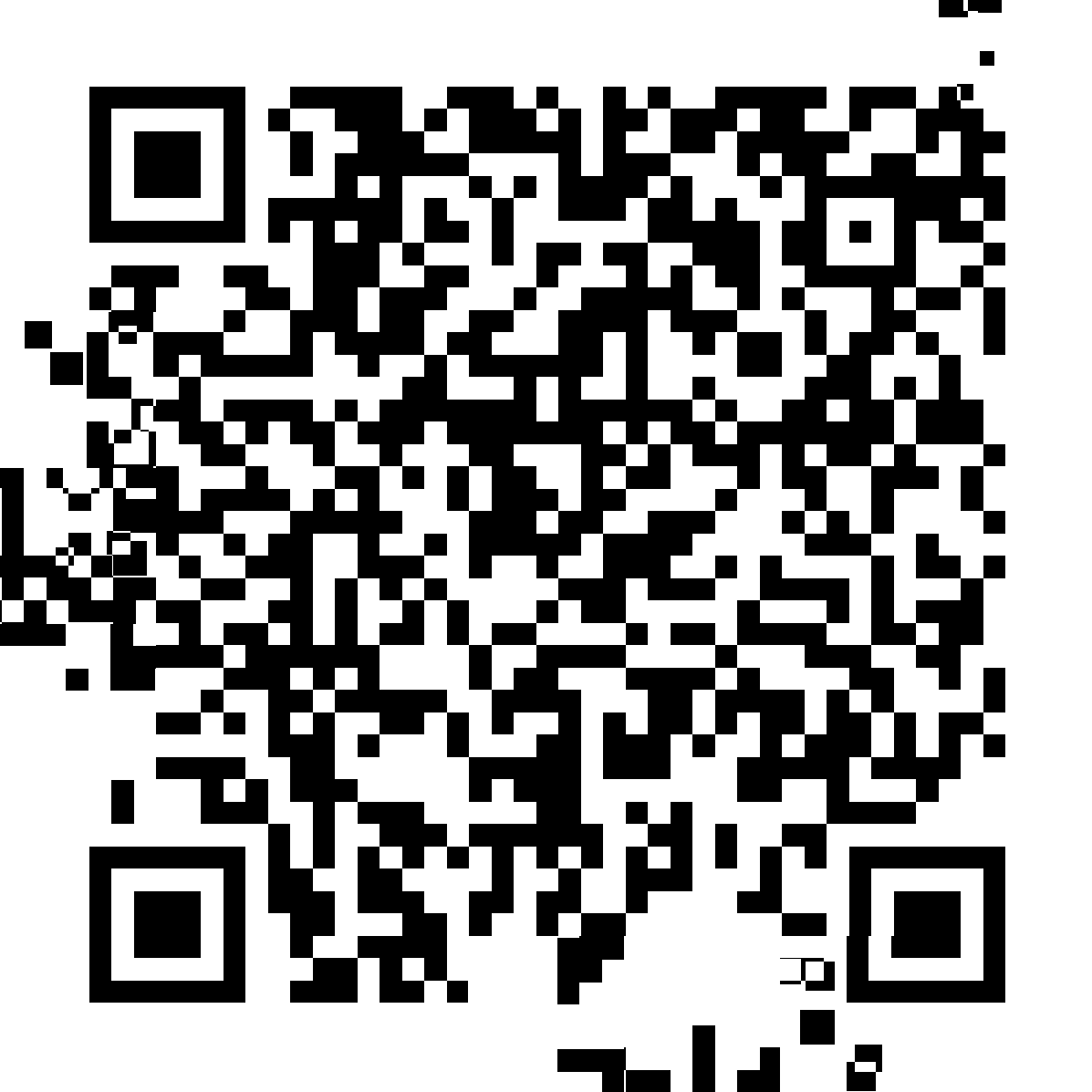
Reconstructed QR Canvas (1200 x 1200 px)
All finder pattern squares (the 3 big concentric bullseyes) match up perfectly. OpenCV decodes the payload instantly.
[ Show Complete Standalone Python Stitcher & Decoder Script ]▼
from PIL import Image
import cv2, numpy as np

# 1. Define locked 3x3 layout
grid = [
    ["piece_008.png", "piece_001.png", "piece_009.png"],
    ["piece_005.png", "piece_003.png", "piece_004.png"],
    ["piece_007.png", "piece_002.png", "piece_006.png"]
]

# 2. Load images into memory
tiles = [[Image.open(f"pieces_0/{filename}") for filename in row] for row in grid]
tile_w, tile_h = tiles[0][0].size  # 400, 400

# 3. Create full 1200x1200 canvas and paste tiles
canvas = Image.new("RGB", (tile_w * 3, tile_h * 3), "white")
for r in range(3):
    for c in range(3):
        canvas.paste(tiles[r][c], (c * tile_w, r * tile_h))

canvas.save("assembled_qr_l0.png")
print("[+] Canvas assembled into assembled_qr_l0.png")

# 4. Decode payload with OpenCV QRCodeDetector
detector = cv2.QRCodeDetector()
flag, _, _ = detector.detectAndDecode(np.array(canvas))
print(f"[+] Decoded Flag: {flag}")
# Output: OWASP{Th3_f1rst_fr4gm3nt}
LEVEL 0 VERIFIED FLAG
OWASP{Th3_f1rst_fr4gm3nt}